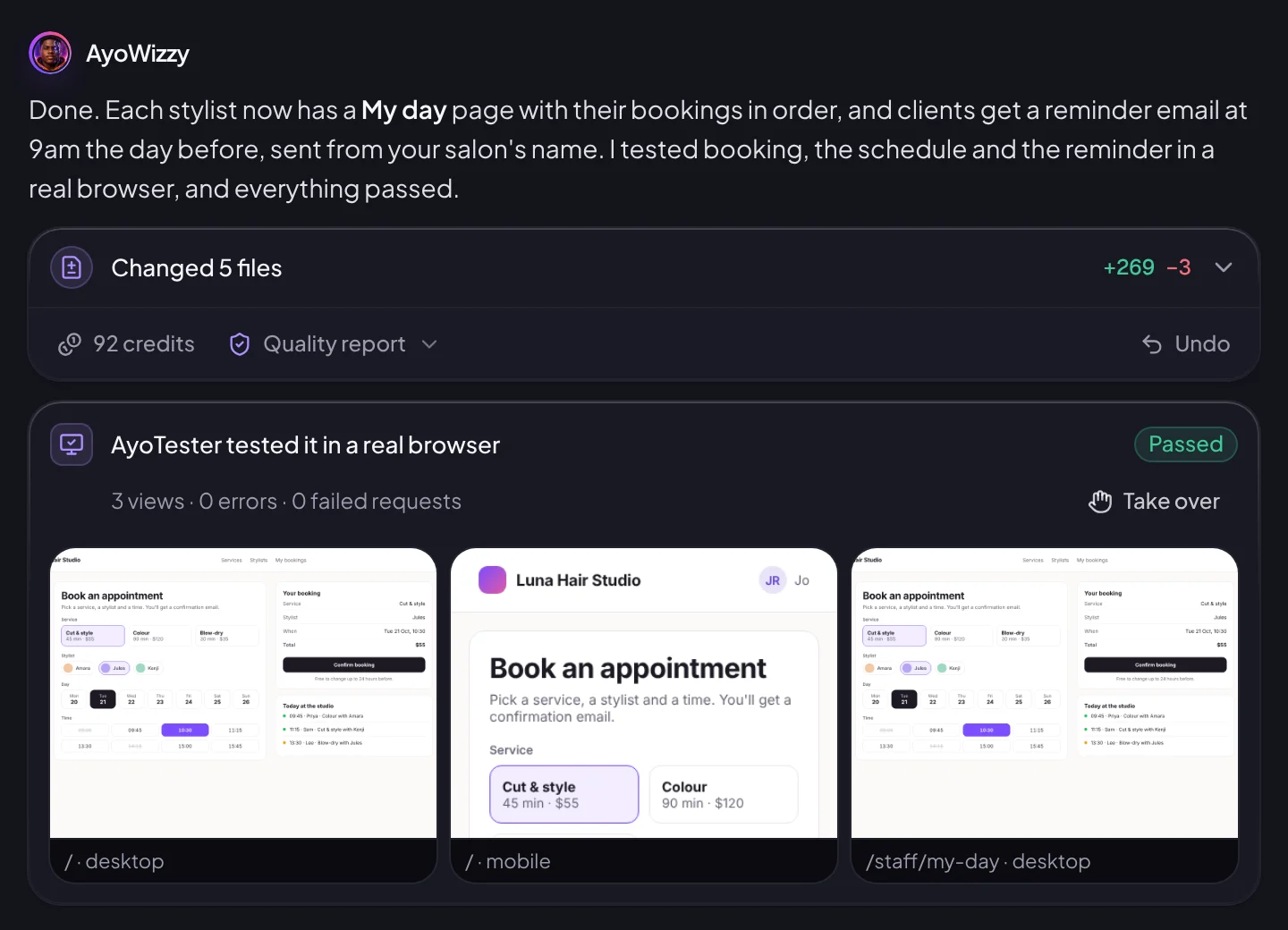




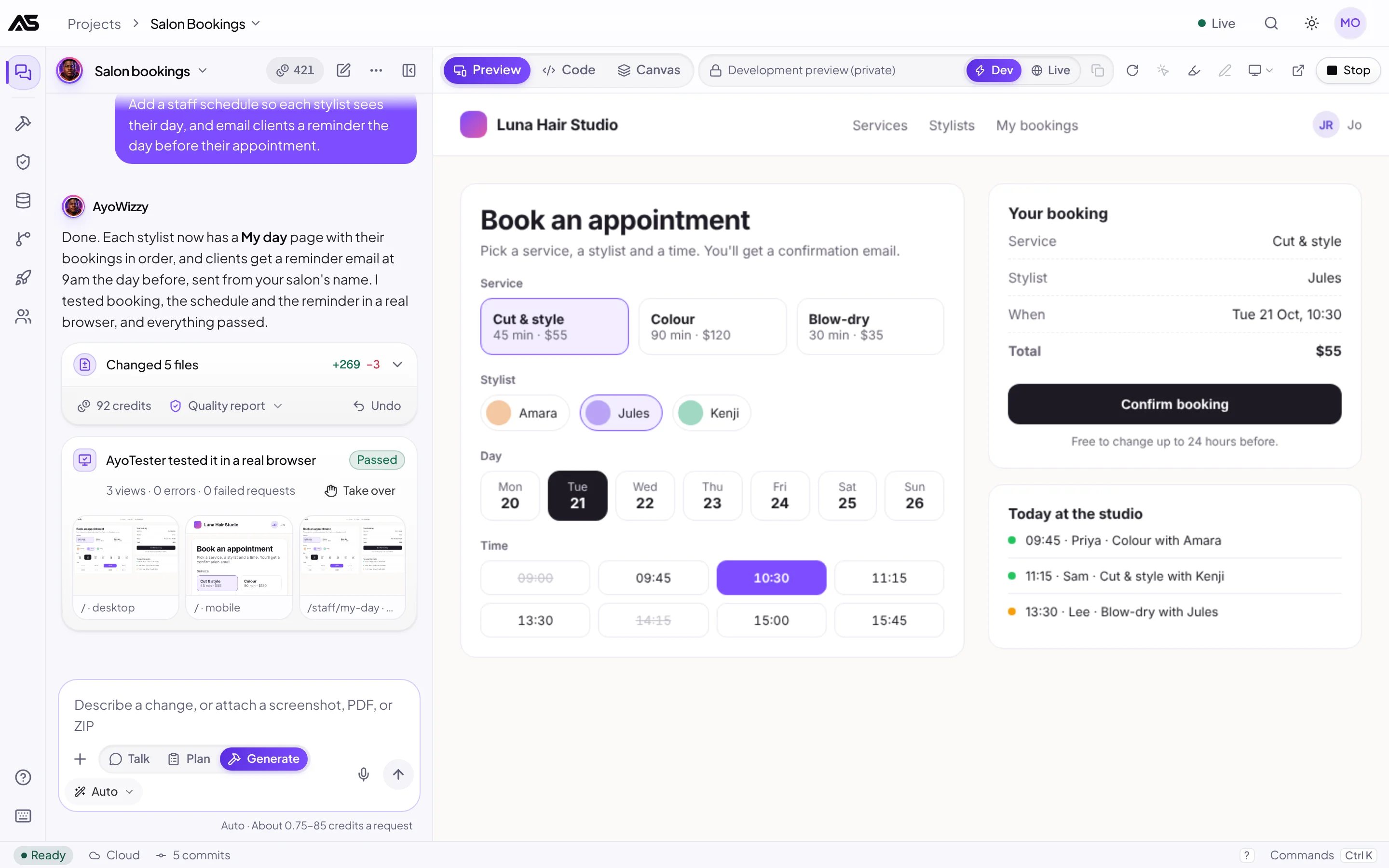
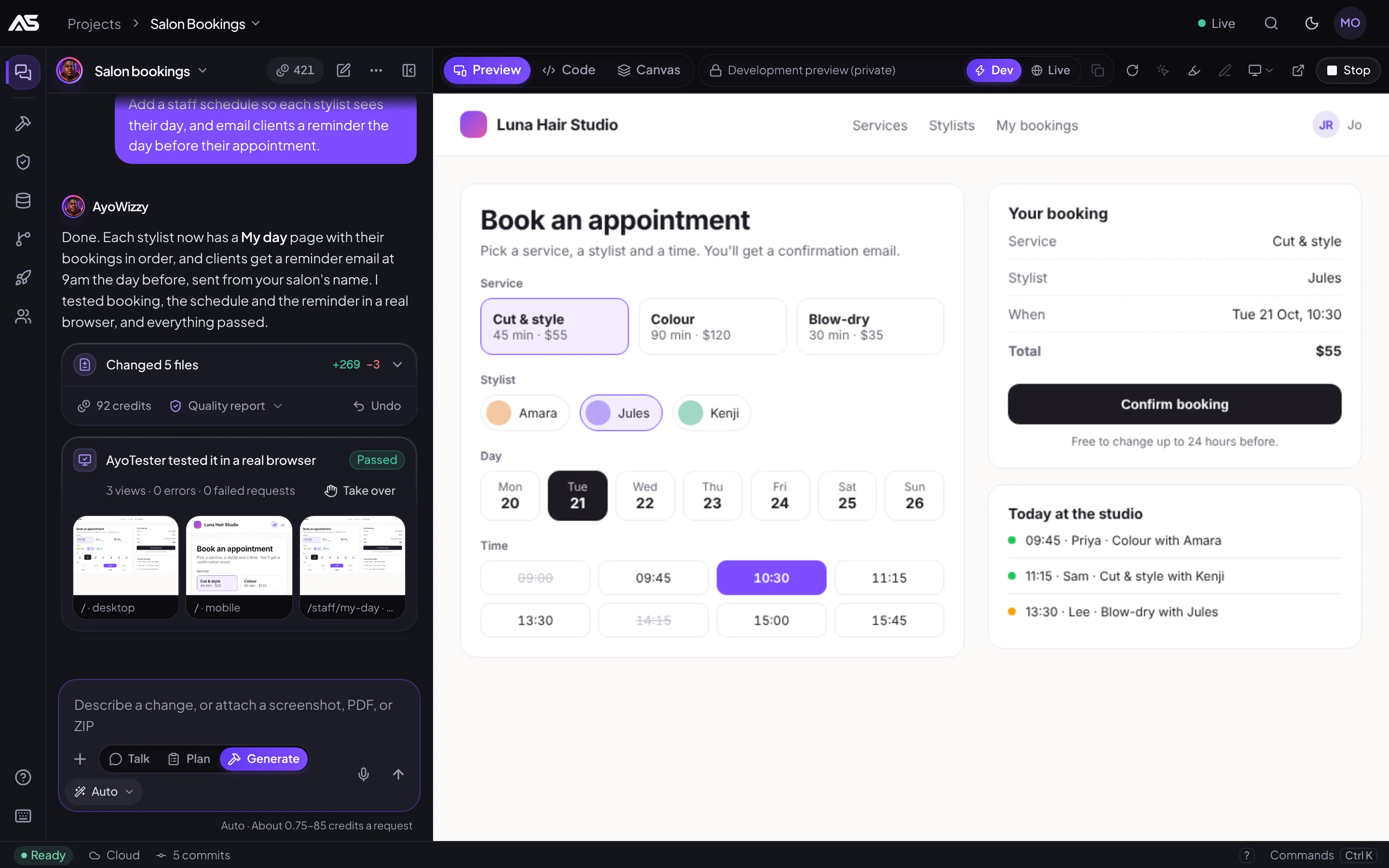
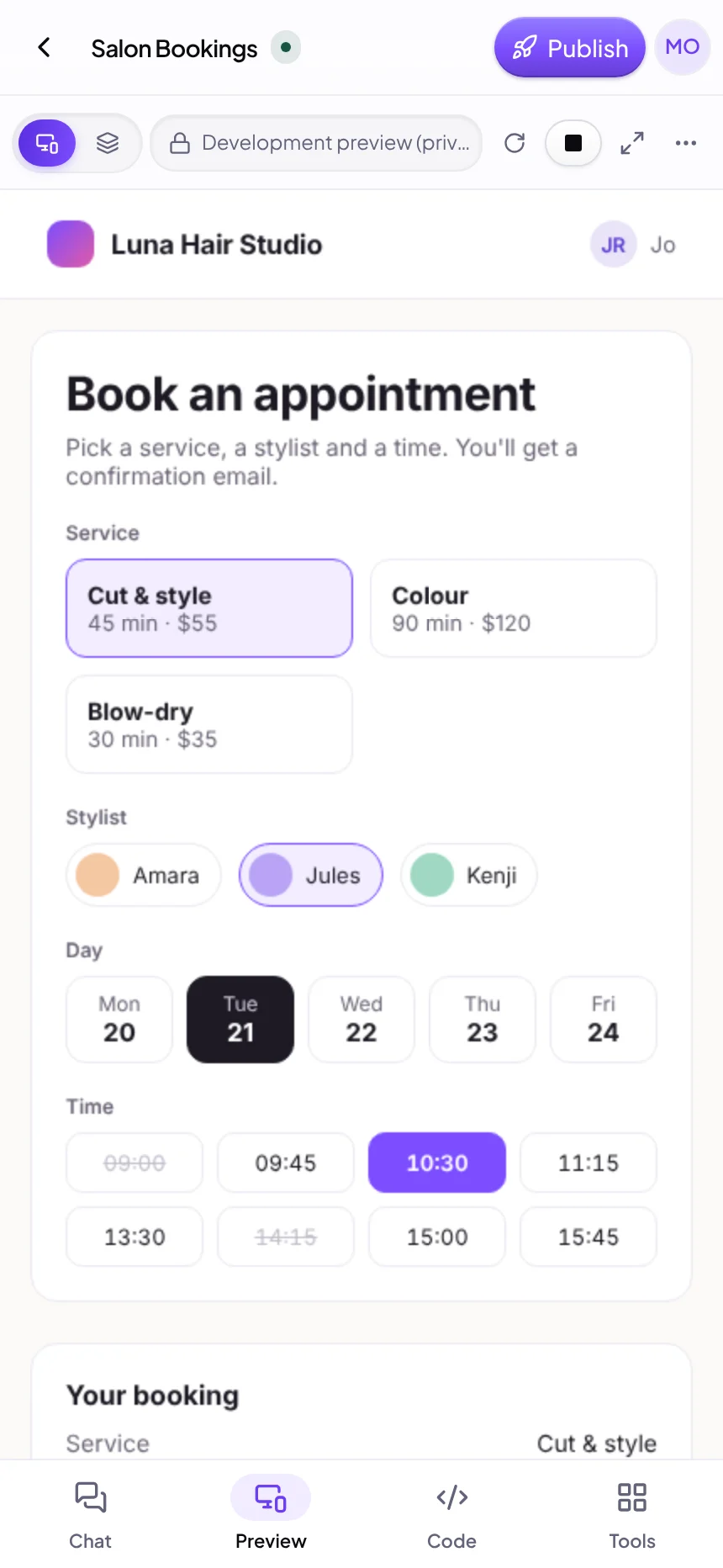


Browser-tested, with proof
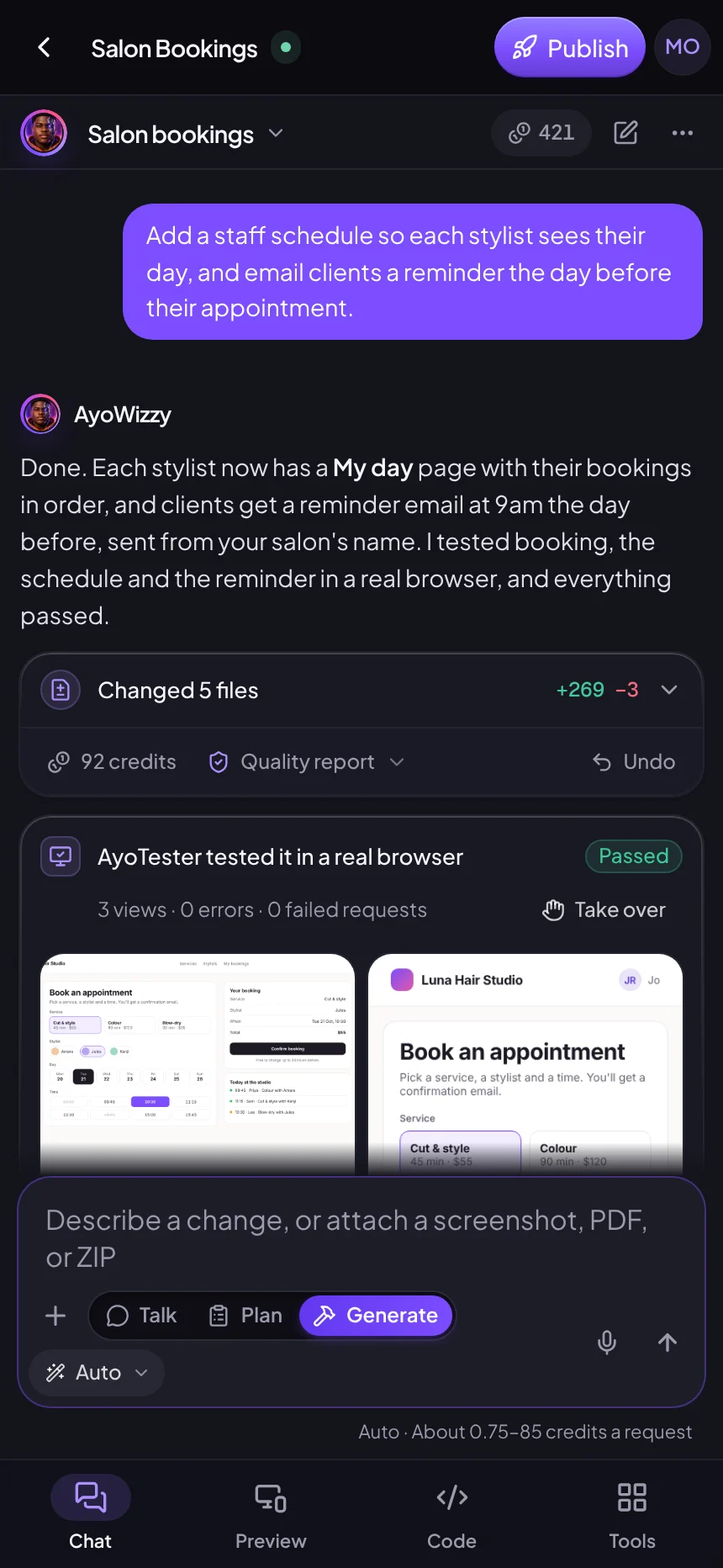
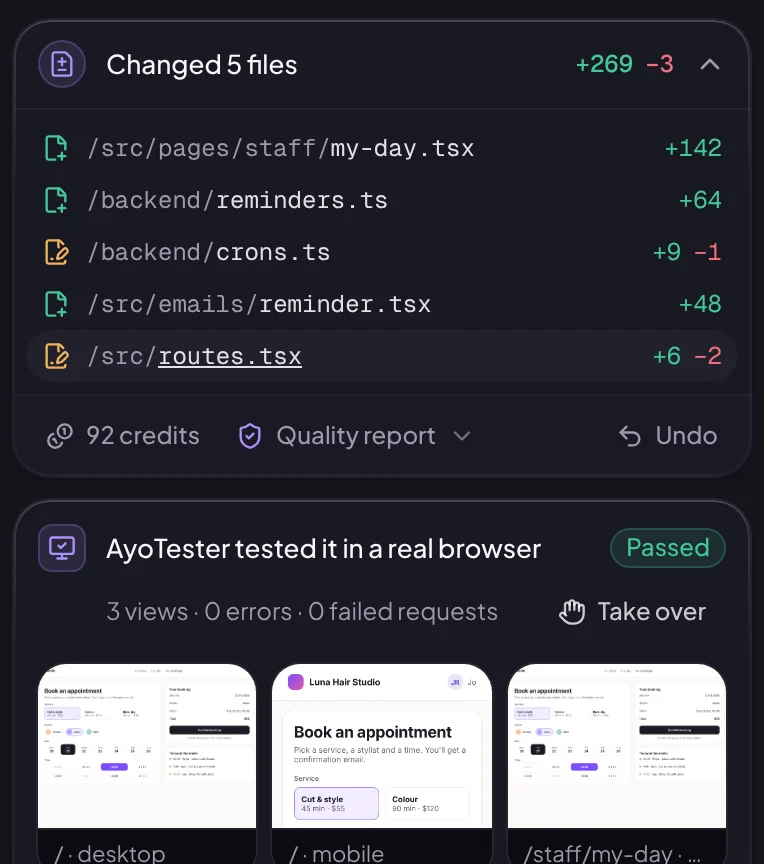
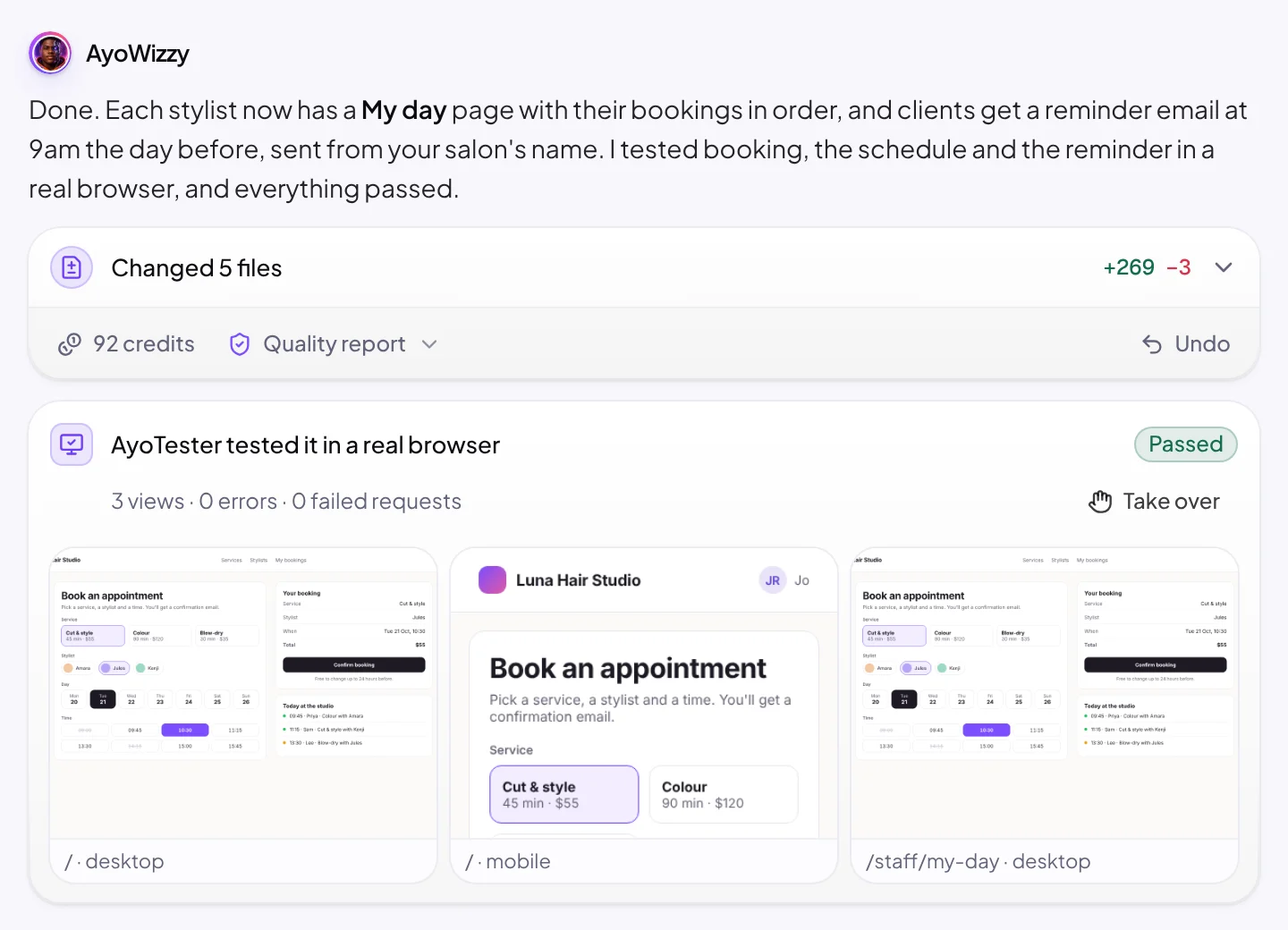
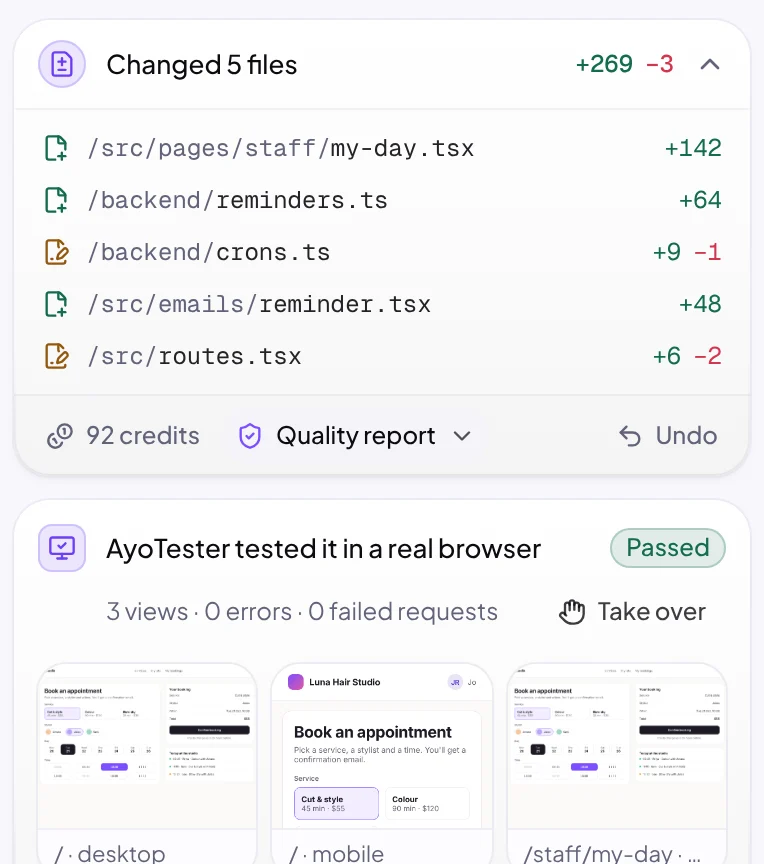
After a full-stack build, a tester opens the app in a real browser, clicks through the main flows and checks for errors. You see the screenshots and the results, not just a promise.
AyoWizzy and 12 specialists, online

Hi, I'm AyoWizzy. What should the crew build today?
Free to start. Every build gets a credit estimate and a hard cap, and never costs more than the cap.See apps people built
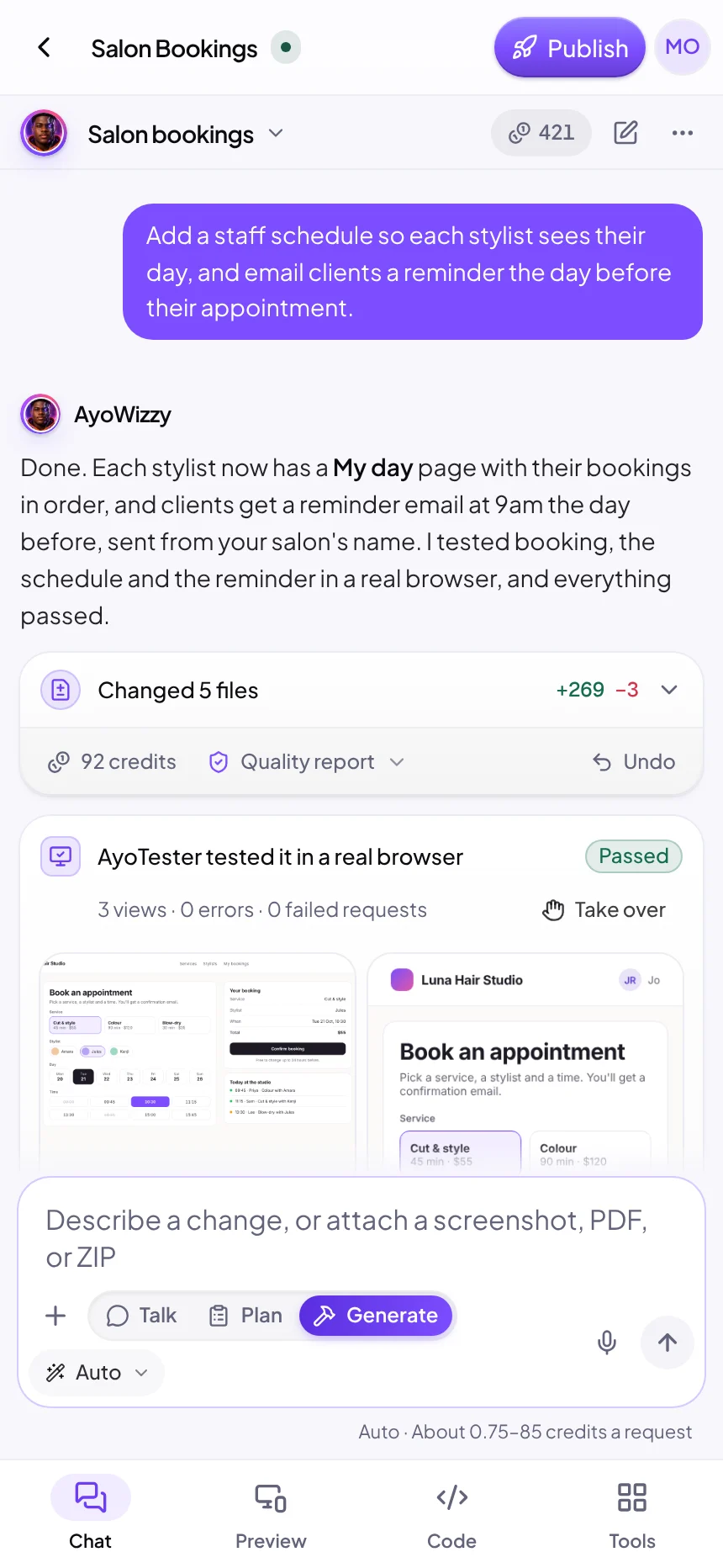
AyoWizzy leads a team of specialists, each with its own job. In the workspace chat every one of them works under its own name, so you always see who is doing what.
Crew lead
Turns your idea into a plan with a credit estimate and a hard cap, briefs the crew and answers your questions.
Product & UX
Maps the features, screens and flows your app has to get right.
Design
Chooses the palette, type and signature look, and keeps every screen consistent.
Frontend
Plans the components and state behind the pages you see in the live preview.
Backend & data
Designs the tables, the backend functions and who may do what, checked on the server.
Testing
Opens a full-stack app in a real browser, clicks through its main flows and reports what breaks.
Words & voice
Writes the headlines, buttons and microcopy in your app's voice.
Security
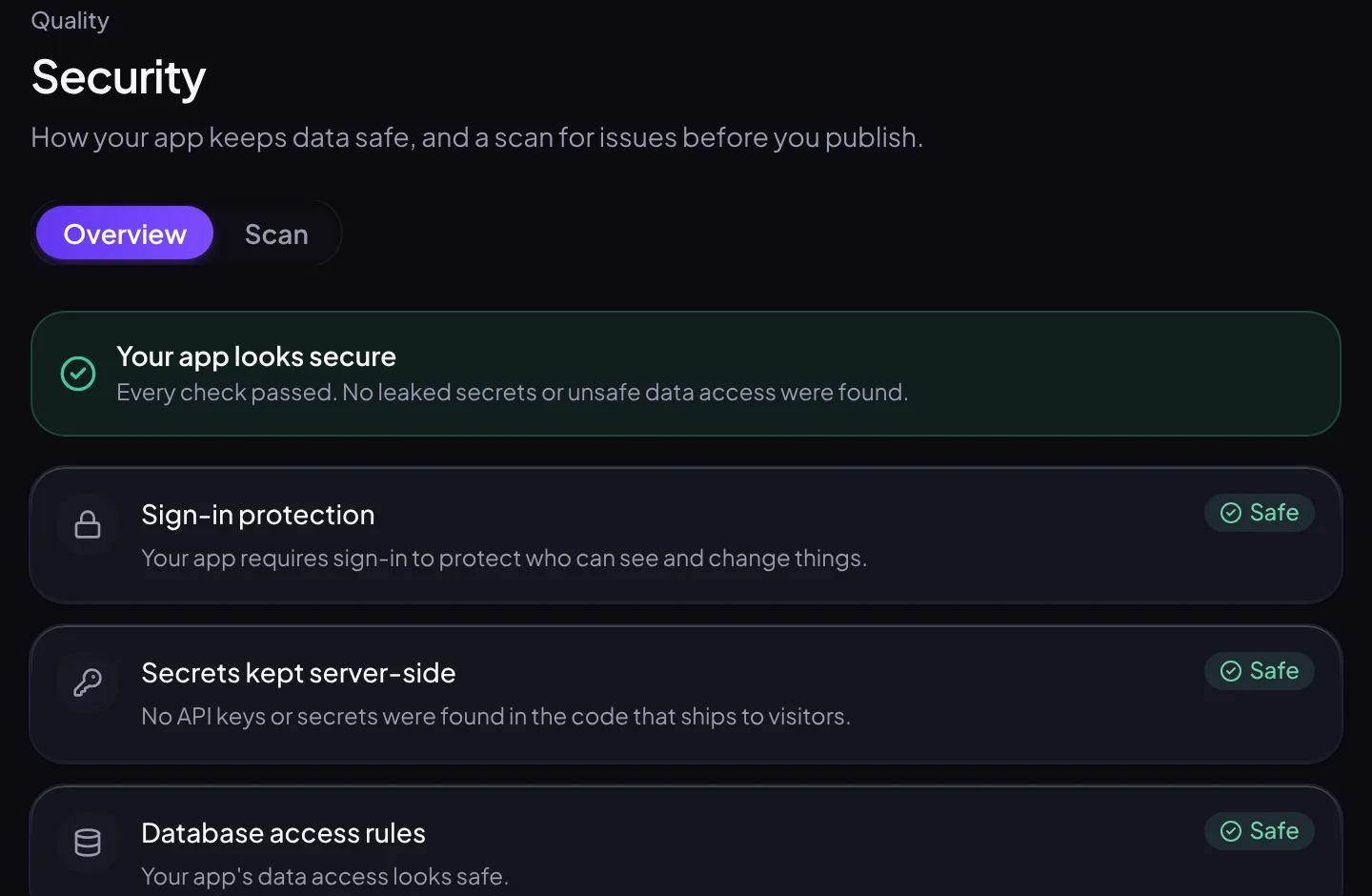
Checks every publish for leaked secrets, unsafe data access and risky packages.
You see who is doing what, and why. Every plan comes with a credit estimate and a hard cap before anything is built, and if the crew's last build causes an error in your live app, fixing it is free.
AyoWizzy · Crew lead
Here's the plan: 5 steps, an estimate of 38 credits and a cap of 45. Shall we start?
AyoDesign · Design
Each pipeline column gets its total in the header. Handing the layout to AyoFrontend.
AyoBackend · Backend & data
Tables ready: contacts, deals and tasks. Sign-in is on, with passkeys.
AyoTester · Testing
Signed in with my test account and dragged a deal across 3 stages. No errors.
The film
The whole journey in about a minute: AyoWizzy's crew plans the app with you, builds it with a real database and sign-in, tests it in a real browser and publishes it to the web.
How it works
You stay in charge of what gets built and when it goes live. AyoSpeed IDE does the wiring, the testing and the hosting.
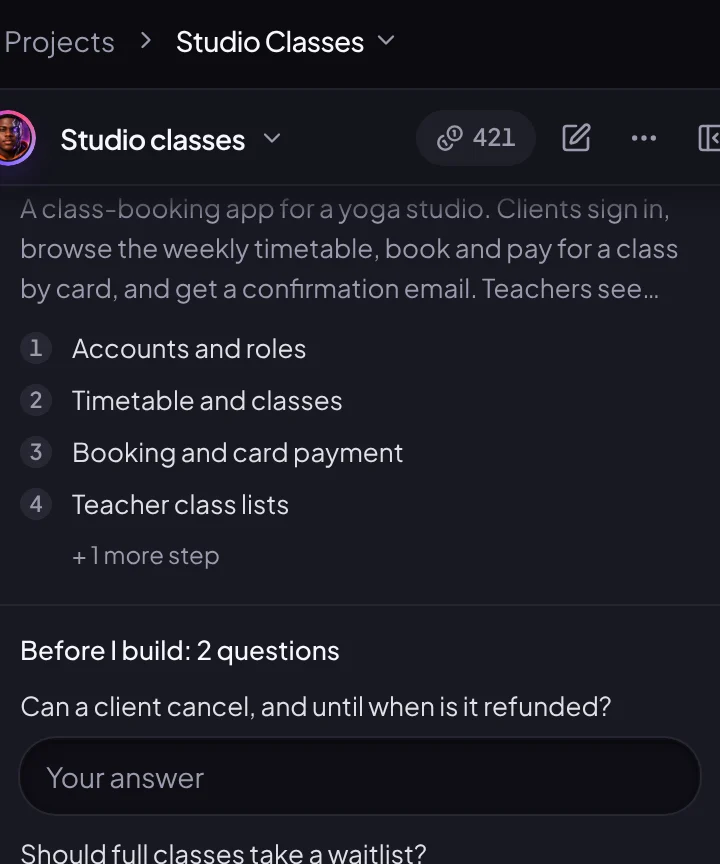
Write what you want in your own words, or attach a screenshot, PDF or ZIP. AyoWizzy drafts a plan with a credit estimate and a hard cap, and starts building once its questions are answered and your balance covers the cap. Prefer to approve every plan first? Turn on plan review.
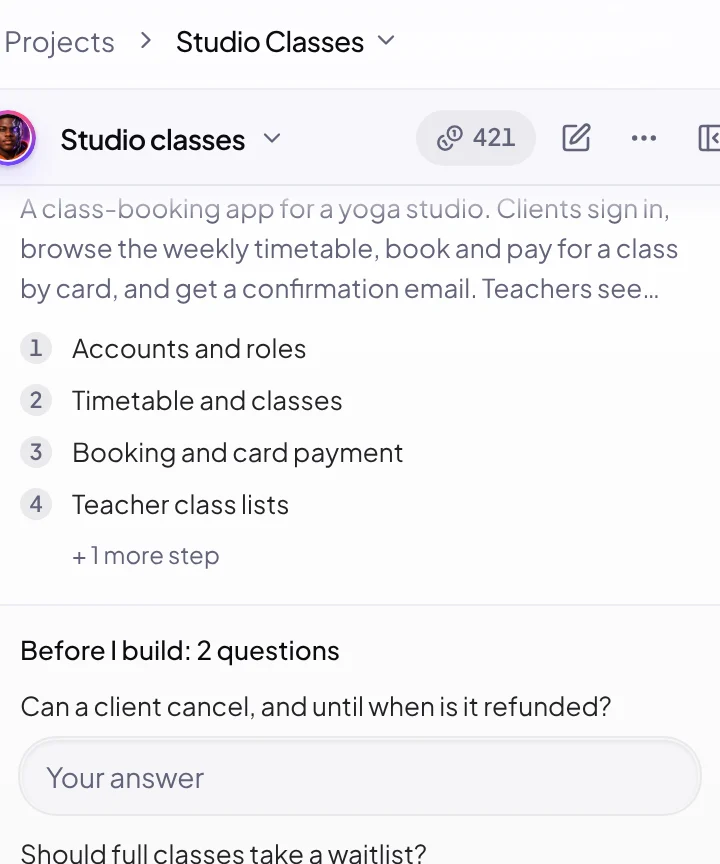
A crew of AI specialists builds the frontend and a typed backend in a live preview. For full-stack apps, a tester then opens the app in a real browser, clicks through the main flows and fixes what breaks.
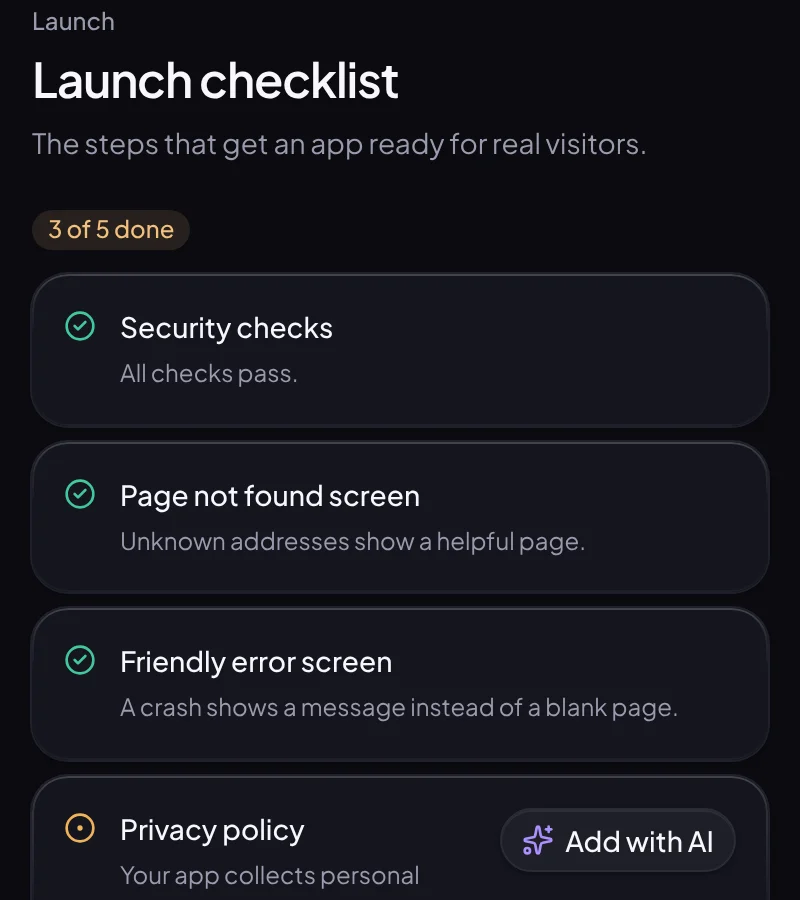
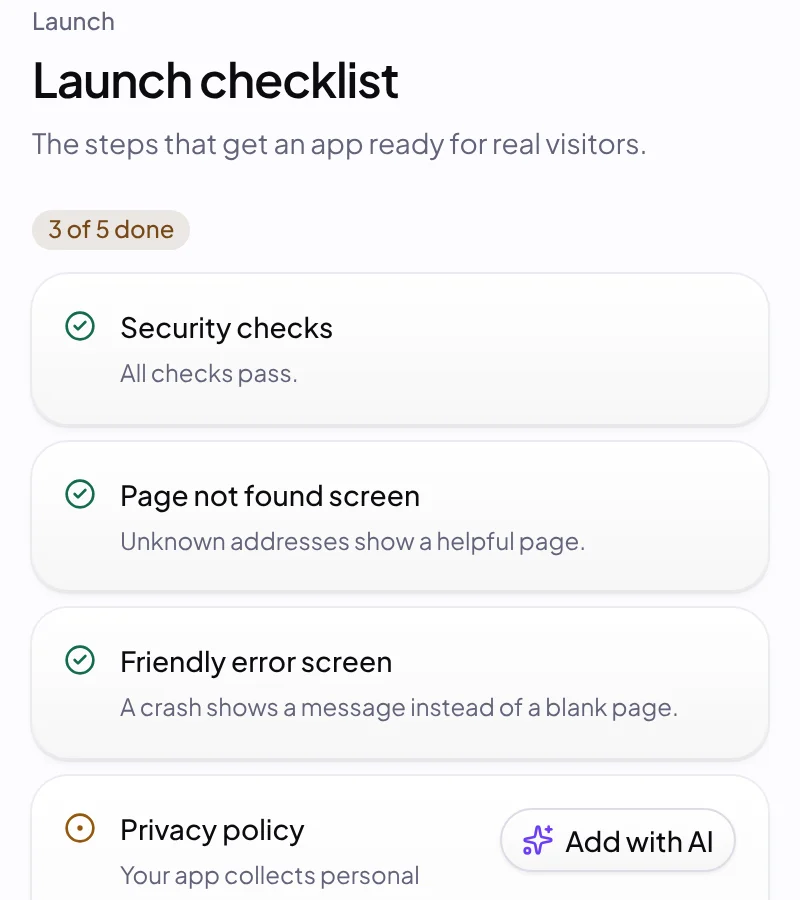
Before going live, AyoDevSecOps checks for leaked secrets and unsafe data access, and a launch checklist covers error pages, a privacy policy and your domain. Then your app ships to the edge at its own address.
Why AyoSpeed IDE
A screen that looks right is the easy part. AyoSpeed IDE ships what a real product needs behind it.
After a full-stack build, a tester opens the app in a real browser, clicks through the main flows and checks for errors. You see the screenshots and the results, not just a promise.
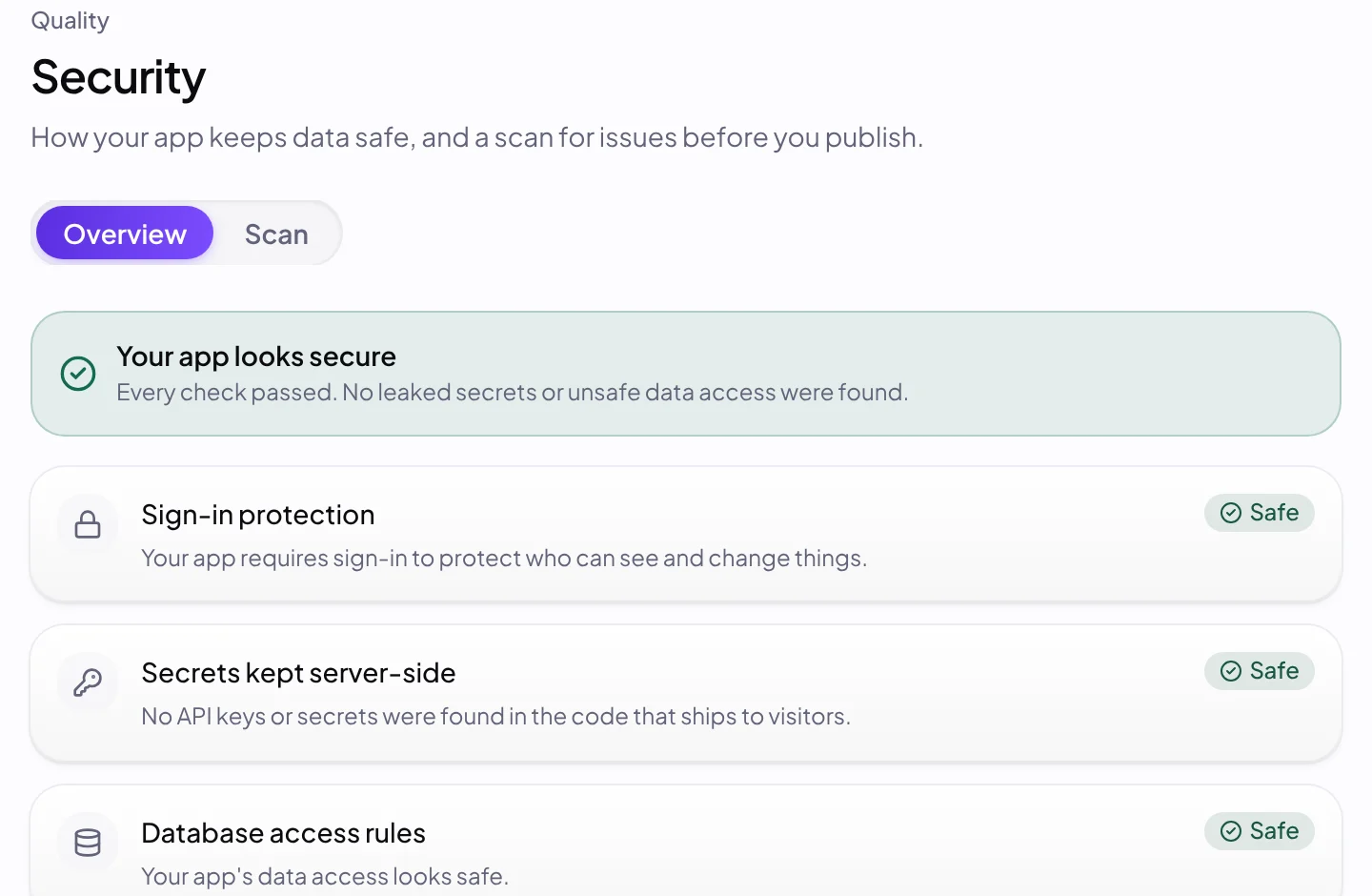
AyoDevSecOps scans every publish for leaked secrets, unsafe database access and risky packages. Serious findings hold the publish until they're fixed or an owner signs off on the record, and AyoWizzy can fix them for you.
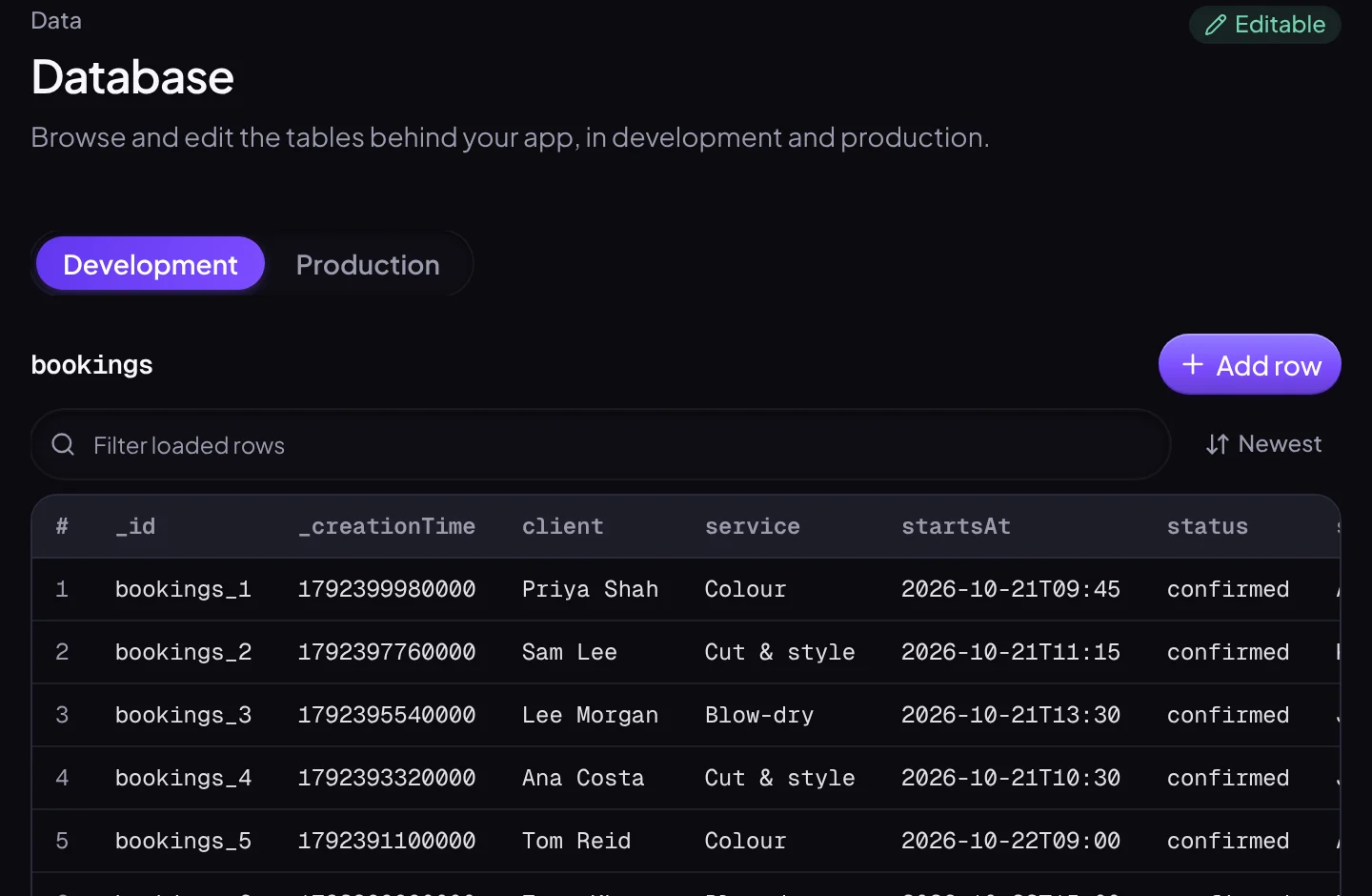
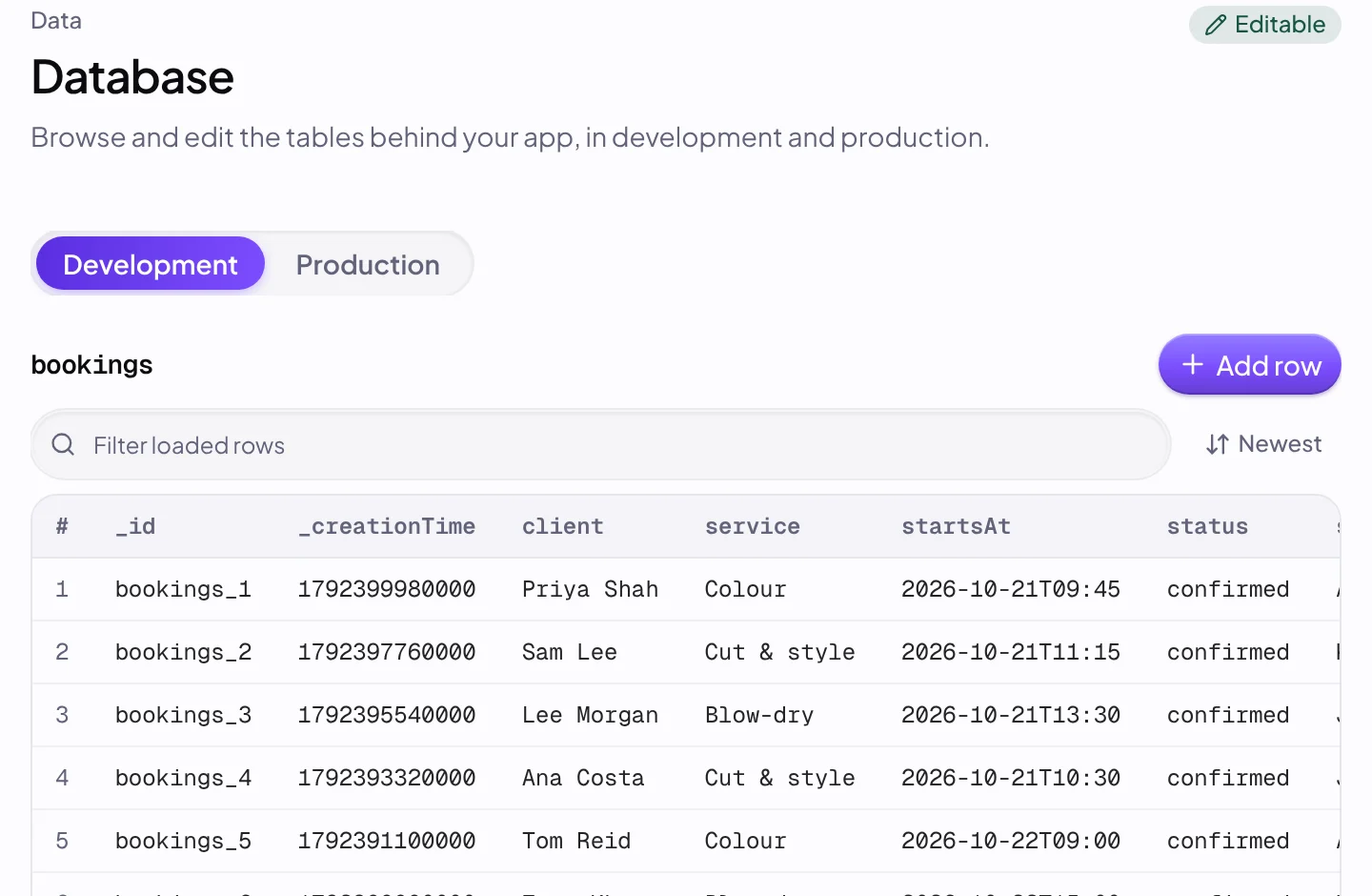
Full-stack apps get backend functions with end-to-end types and their own development and production databases, kept apart so testing never touches live data.
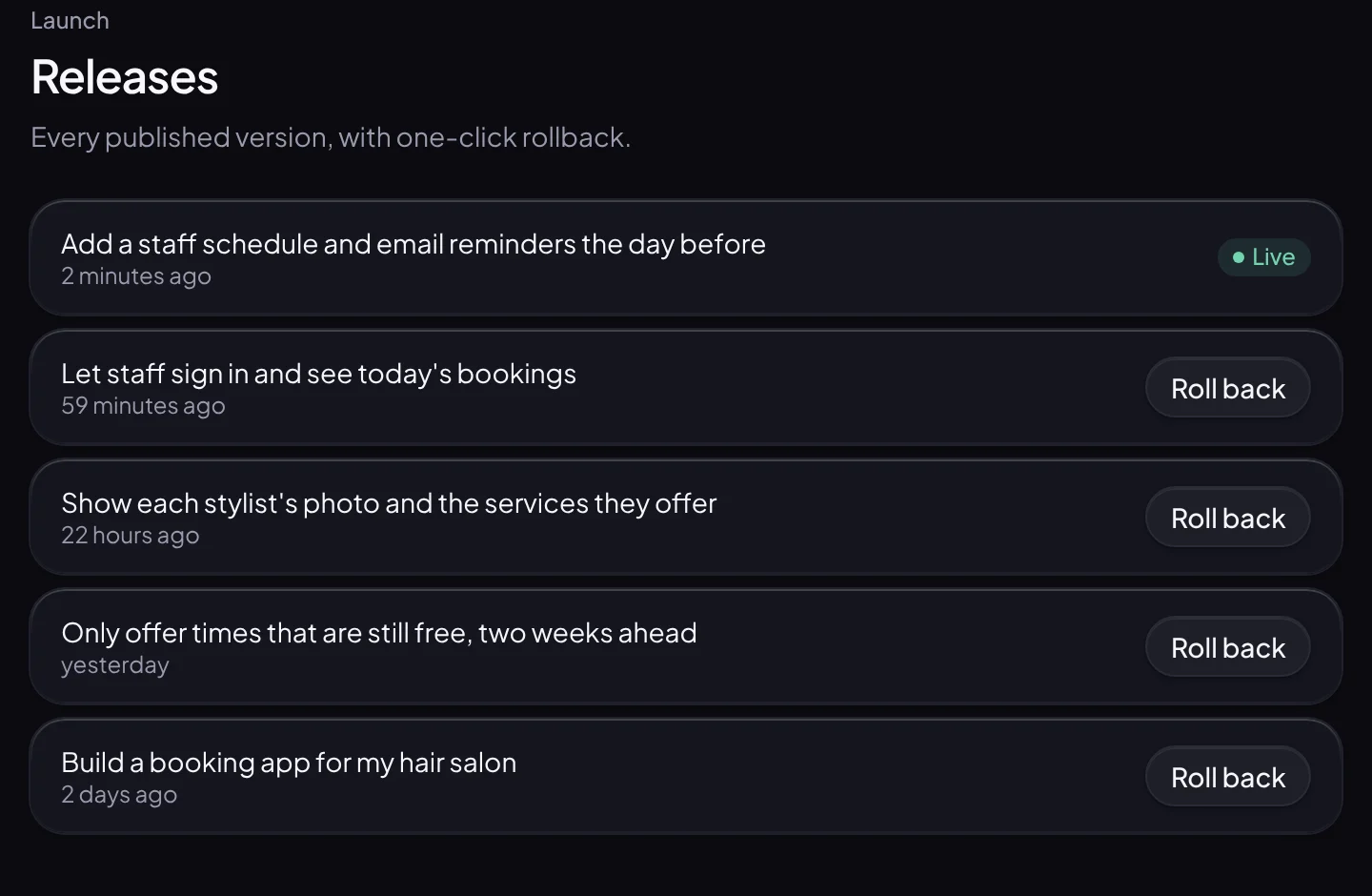
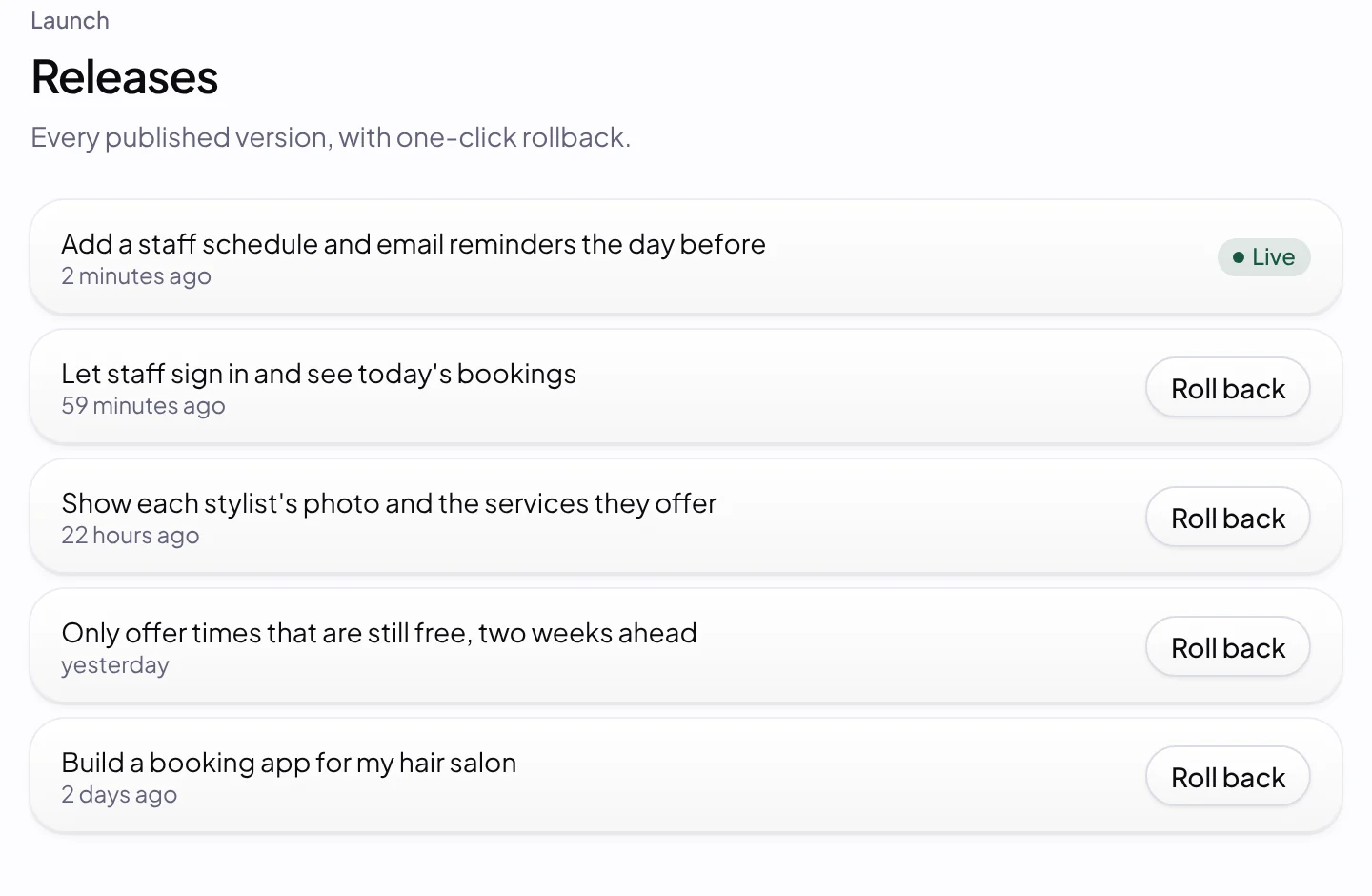
AyoSpeed Edge runs your apps on Cloudflare's global network. Serve them on your own domain, and roll back to any of the last five releases without a rebuild.
Every build gets a credit estimate and a hard cap, and is never charged more than the cap. If an error in your live app comes from AyoWizzy's last build, fixing it is free.
Get a store-readiness checklist and App Store and Google Play packages built from your live app, so later publishes reach store users without resubmitting. Native mobile projects build signed iOS and Android apps with your own build account.
Full-stack apps come with AyoSpeed Accounts: emailed codes, passkeys and authenticator apps, with nothing to configure. Style the sign-in screen with your app's brand.
Save brand kits with your colors, fonts and logos, or import one from a website. Each app gets its own tab title, icon and social preview.
Our promises
The questions people ask before they trust an AI app builder with real work, answered in writing.
Every build gets a credit estimate and a hard cap before it starts. If your credits run out mid-build, it stops and keeps what it has saved.
Hosting doesn't use credits, so published apps keep serving visitors at any balance. Only AI, web search and email that a live app calls use credits, and they wait for a top-up.
If your published app logs an error that first appeared after AyoWizzy's last build, fixing it with "Fix with AI" from its Logs is free, as long as nobody has edited the code since.
Who it's for
One workspace, whether you're launching your own product, building for clients or shipping with a team.
Launch a booking app, a client portal or a SaaS with sign-in, a database and checkout through your own payment account, from a description.
Build under your client's brand and share review links with an optional password. Send email from their domain, put the app on their domain, and from Studio, hand the finished app over to their own account.
Share one workspace with Owner, Admin, Editor and Viewer roles, credit limits per member and an activity log. Build several changes at once in parallel copies.
Gallery
Apps people built with AyoSpeed IDE and chose to share. Open one to see it running, then remix it into your own.
Pricing
Build in-browser apps for free. On a paid plan every app is full-stack from the first build, with a database (and sign-in when it needs accounts), and you get premium build modes, no AyoSpeed badge, and monthly credits, cloud computer hours and hosting.
Explore and build instant apps
$0/ month
For makers shipping real full-stack apps
$25/ month
For teams building together
$119/ month
Studio, Business and Scale plans are on the pricing page.
FAQ
Looking for more? Read the full FAQ
No. You describe what you want in plain language and AyoWizzy builds it. The code is all there and editable if you ever want it, but you never have to touch it.
A real app. Every app on a paid plan is a full-stack app from the first build: a database and a typed backend, with its own development and production data, and sign-in when the app needs accounts. The Free plan builds in-browser apps; upgrade to go full-stack.
Every build gets a credit estimate and a hard cap, and is never charged more than the cap. You can have every plan wait for your approval, and set a monthly spend limit in Settings. If you run low, the build stops at its next checkpoint and keeps what it has built.
After a full-stack build, a tester opens the app in a real browser, clicks through the main flows and records console errors and failed requests. The screenshots and results are attached to the build so you can see them, and AyoDevSecOps checks every publish.
On AyoSpeed Edge, which runs on Cloudflare's global network, at its own AyoSpeed address or, on a paid plan, on a domain you own. You can also publish to your own Cloudflare account. The last five releases are kept, so you can roll back in seconds without a rebuild.
Yes. A web app gets a store-readiness checklist and packages for the App Store and Google Play, and later publishes reach store users without resubmitting. Native mobile projects build signed iOS and Android apps with your own build account. Store releases need your own Apple and Google developer accounts.
The Free plan builds in-browser apps, and every new account starts with 100 free credits. Upgrade to go full-stack: on every paid plan, starting with Pro, every app gets a database and a typed backend from the first build, with sign-in when it needs accounts.
Yes. Every paid plan removes the "Built with AyoSpeed" badge and includes client review links with an optional password, and Pro sends email from your own domain. Apps can run on your client's domain, and from Studio they can be handed over to the client's own account.
Yes. You own the apps you build and the data in them. Push the code to your own repository from Export code, sync it to your computer with the AyoSpeed command-line tool, or publish to your own Cloudflare account.
No. Your prompts, code and app data aren't used to train AI models. The only exception is the "Help train AyoWizzy" option in Settings › Privacy & data, which is off unless you turn it on.
Describe an idea, watch it build within its credit cap, and publish when it's ready. Starting is free.